Setting Up Hetzner Storage Box
with Borg Backup Server
Hetzner Storage Boxes are affordable SSH-accessible storage with native BorgBackup support, automatic snapshots, and data centers in Germany and Finland. This guide walks you through connecting a Hetzner Storage Box to Borg Backup Server as a remote storage host.
What you'll need
- A Hetzner account
- A running Borg Backup Server instance
- An SSH key pair (Borg Backup Server generates one for you during setup)
Create a Storage Box
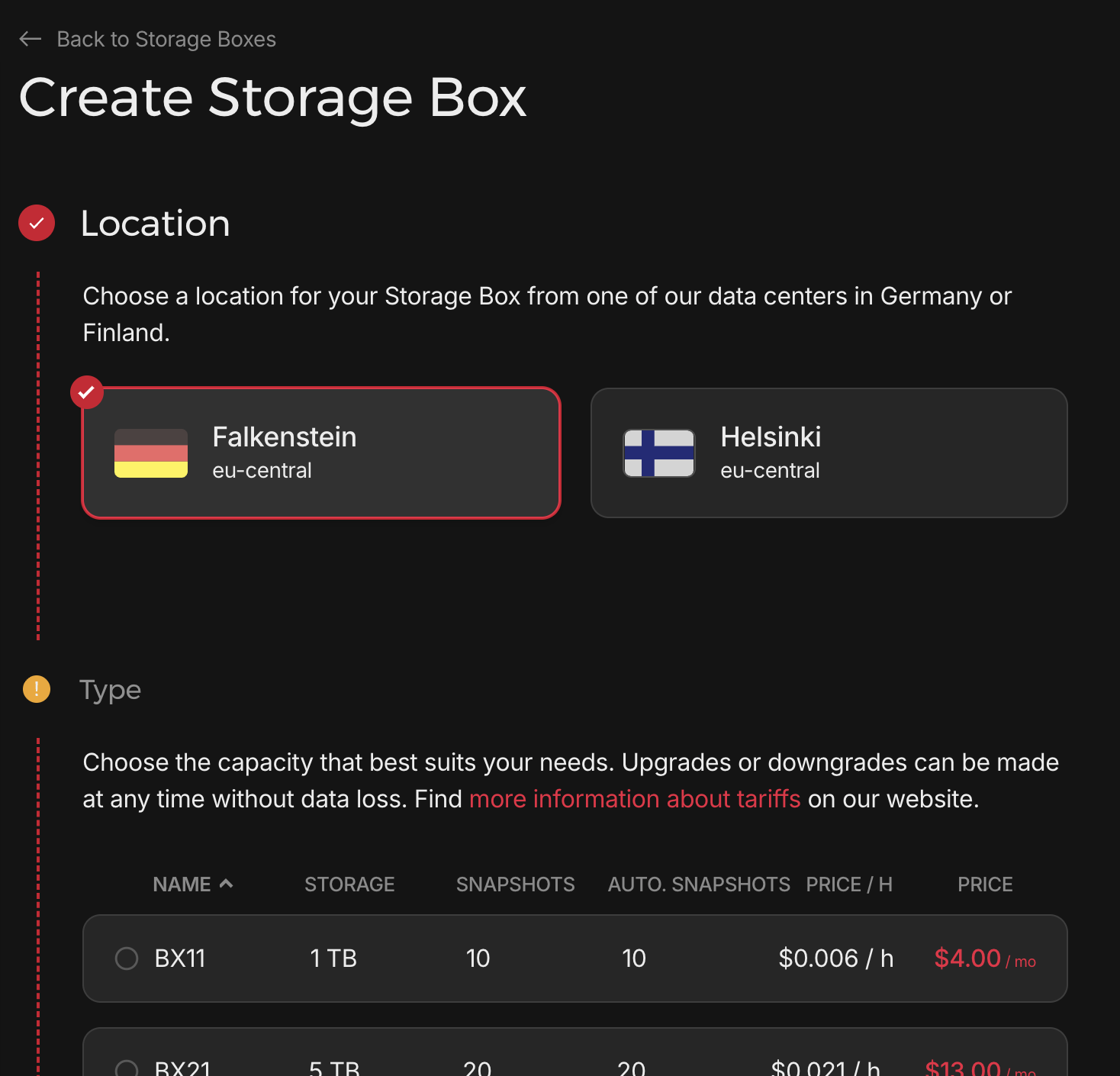
Log in to the Hetzner Robot panel and navigate to Storage Boxes. Click Create Storage Box, choose a location (Falkenstein or Helsinki), and select a plan that fits your needs. Plans start at 1 TB for around $4/month with included snapshots.
Enable SSH & External Reachability
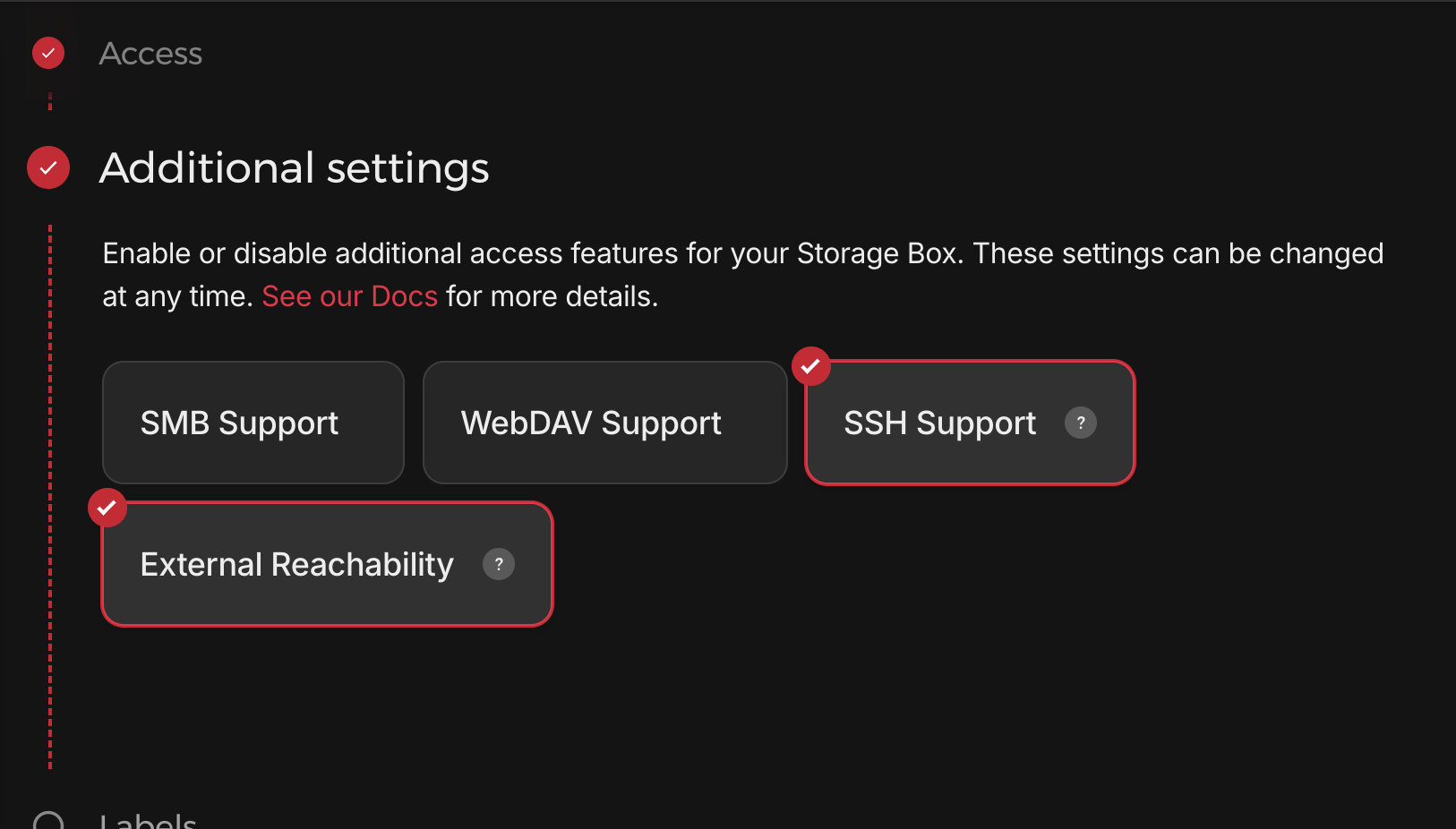
After the Storage Box is created, go to its settings and find the Additional Settings section. Enable both SSH Support and External Reachability. SSH is required for BorgBackup to connect, and External Reachability makes the box accessible from outside the Hetzner network.
Add Your SSH Public Key
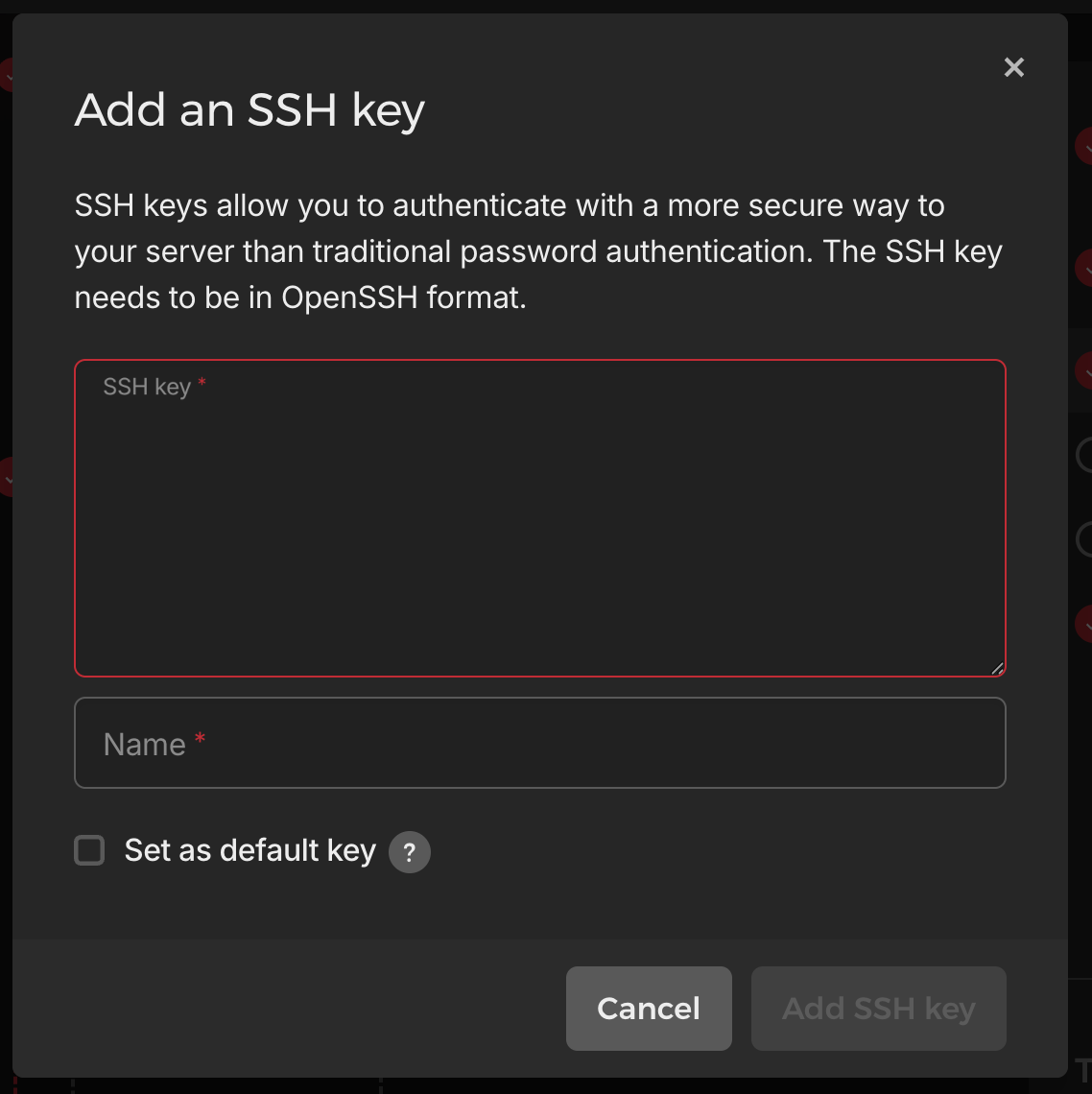
In the Storage Box settings, navigate to the SSH Keys section and click Add SSH key. Generate an SSH key pair on your server by running ssh-keygen and accepting the defaults. Then run cat ~/.ssh/id_rsa.pub to get the public key and paste it here. Give it a name and save.
Note Your Connection Details
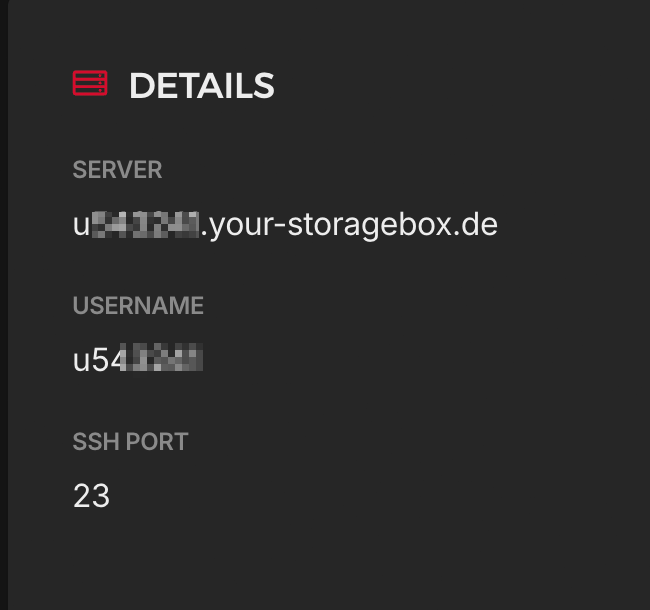
From the Storage Box details page, note your Server hostname, Username, and SSH Port. Hetzner Storage Boxes use port 23 for SSH (not the standard port 22).
Host: uXXXXXX.your-storagebox.de User: uXXXXXX Port: 23
Add Hetzner in Borg Backup Server
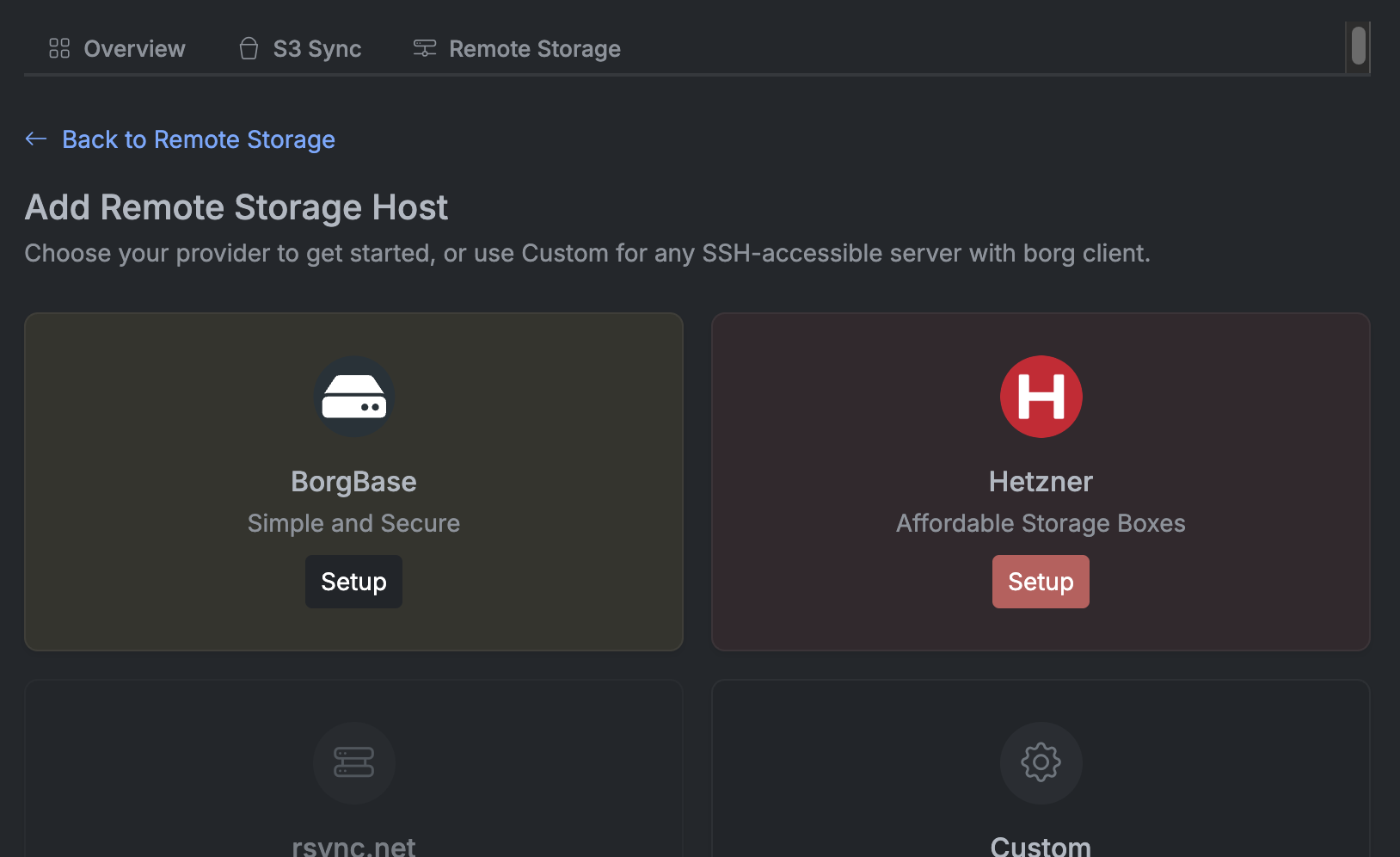
In your Borg Backup Server dashboard, go to Settings → Storage → Remote Storage and click Add Remote Storage Host. Select Hetzner from the provider list.
Enter Connection Details & Test
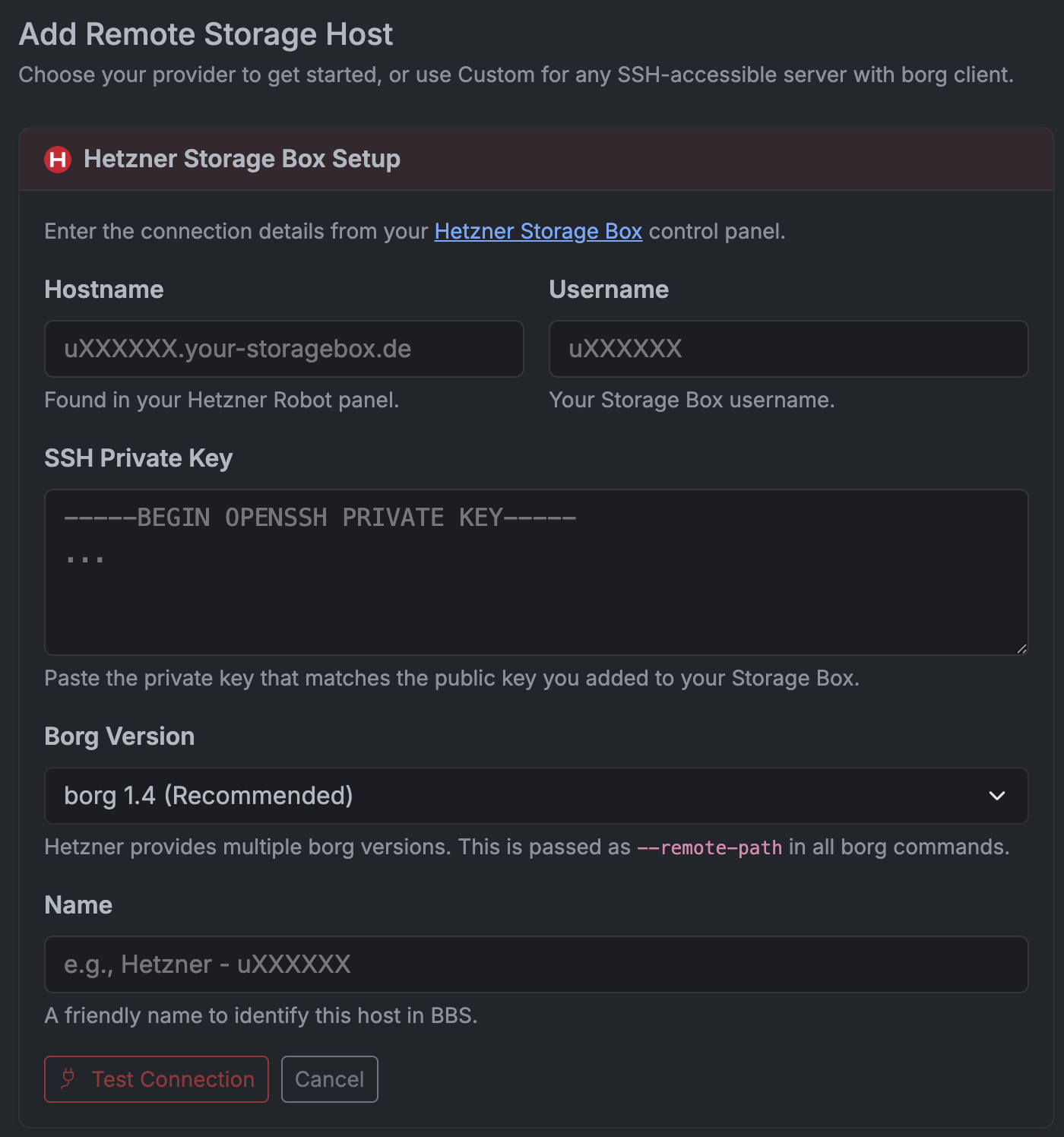
Enter the hostname and username from your Hetzner panel. Paste the SSH private key that matches the public key you added to Hetzner. Select the Borg Version — Hetzner provides multiple borg versions, and this is passed as --remote-path in all borg commands.
Click Test Connection to verify everything works, then click Add Host to save.
You're all set
Your Hetzner Storage Box is now connected as a remote storage host. You can use it when creating backup plans — Borg Backup Server will push encrypted, deduplicated backups to Hetzner over SSH.
Don't have Borg Backup Server yet?